 Oh-My-Note
视觉效果
阴影
css1div {
2  width: 100px;
3  height: 100px;
4  background-color: #58a;
5  box-shadow: 2px 3px 4px rgba(0, 0, 0, 0.5);
6}
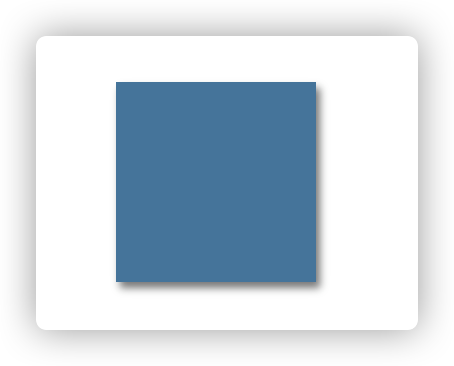
上面的 box-shadow 做了什么?
-
以该元素相同的尺寸和位置,画一个 rgba(0,0,0, .5)的矩形。
-
把它向右移 2px,向下移 3px。
-
使用高斯模糊算法(或类似算法)将它进行 4px 的模糊处理。
-
接下来,模糊后的矩形与原始元素的交集部分会被切除掉,因此它看起来像是在该元素的“后面”。
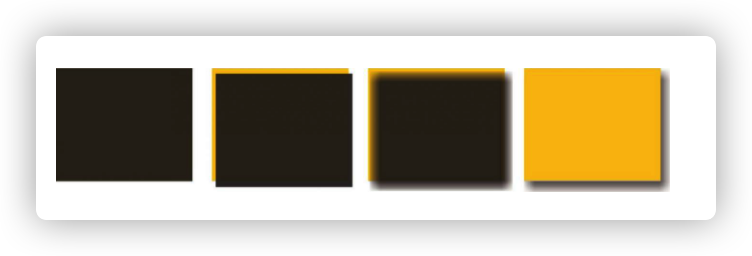
单侧阴影
利用 box-shadow 的第四个长度参数——扩张半径来根据指定的值扩大或缩小阴影的尺寸。一个-5px 的扩张半径会将投影的宽度跟高度各减少 10px(两边各 5px)
如果负的扩张半径跟模糊半径的值刚好相等,如果不用 box-shadow 的两个长度参数移动它,那么我们就看不到任何投影了。
所以我们可以通过移动 box-shadow 的前两个参数来达到单侧投影的效果
css1div {
2  width: 100px;
3  height: 100px;
4  background-color: #58a;
5  box-shadow: 0px 5px 4px -4px black;
6}
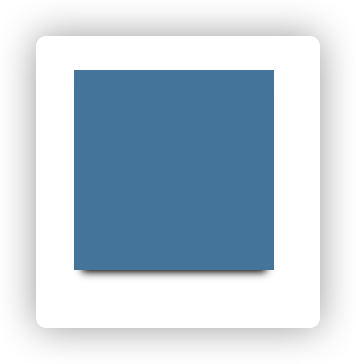
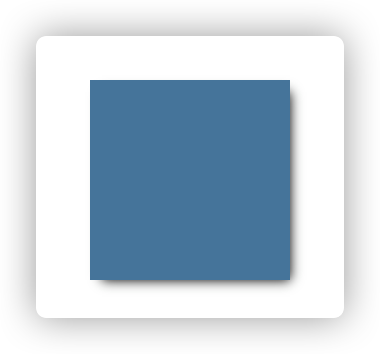
邻边投影
css1box-shadow: 3px 3px 6px -3px black;
双侧投影
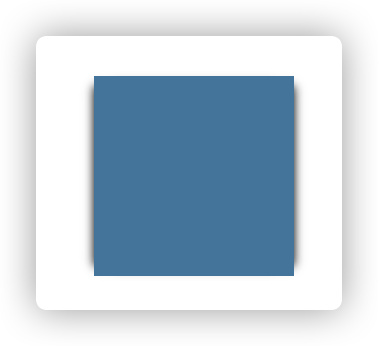
css1box-shadow: 5px 0px 5px -5px black, -5px 0px 5px -5px black;
不规则投影
box-shadow 会忽视伪元素或者半透明装饰,比如:
-
半透明图像,背景图
-
元素设置了半透明、点状、虚线等,但没有背景(或者当 background-clip 不是 border-box 时)
-
伪元素
-
通过 clip-path 生成的形状
-
折角效果等
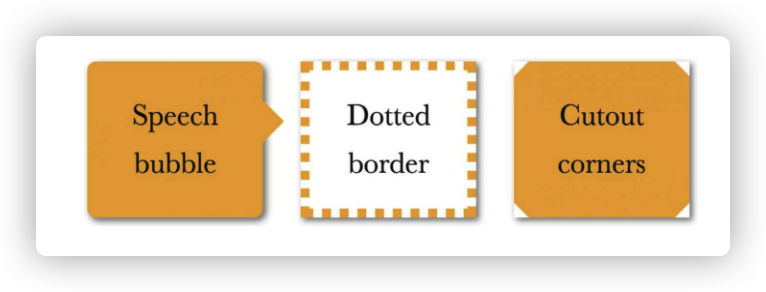
上面的图片都没有办法拥有阴影效果。这时候需要用 filter(滤镜)来完成
css1filter: drop-shadow(2px 2px 10px rgba(0, 0, 0, 0.5));
染色效果
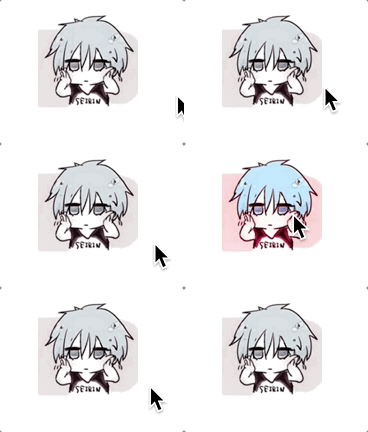
为一副灰色的图片添加染色效果,是非常常见的方案,我们通常会在静止状态下应用这个效果,当发生 hover 时去除。
html1<div>
2  <img src="./avatar.jpeg" alt="" />
3</div>
css1div {
2  width: 100px;
3  height: 100px;
4  background: rgba(192, 192, 192, 0.8);
5}
6img {
7  mix-blend-mode: luminosity;
8  max-width: 100%;
9}
10div:hover {
11  background: none;
12}
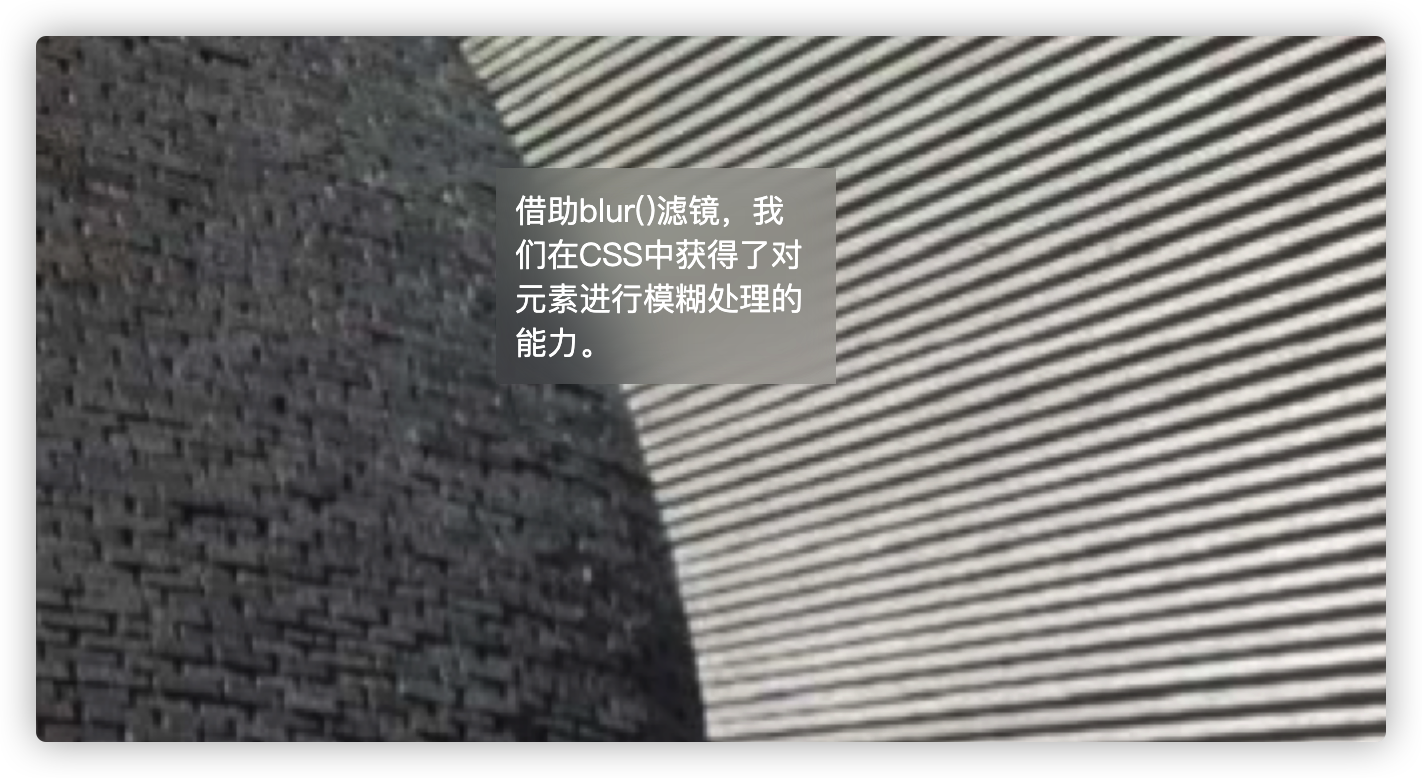
毛玻璃效果
html1<body>
2  <div>借助blur()滤镜,我们在CSS中获得了对元素进行模糊处理的能力。</div>
3</body>
css1body,
2div::before {
3  background: url('./bg.png') 0 / cover fixed;
4}
5div {
6  margin: 10% auto;
7  position: relative;
8  max-width: 150px;
9  background: hsla(0, 0, 100%, 0.6);
10  overflow: hidden;
11  color: white;
12  padding: 10px;
13}
14div::before {
15  content: '';
16  position: absolute;
17  top: 0;
18  right: 0;
19  bottom: 0;
20  left: 0;
21  z-index: -1;
22  filter: blur(20px);
23  margin: -30px;
24}