 Oh-My-Note
第二弹:防抖节流与 rAF
大量频繁的操作会消耗性能,比如在 input 中输入内容的同时发送请求。
相信前端工程师们都知道这种情况下可以使用防抖和节流。
但本节的重点并非仅仅如此,而是另一个 JS 动画 API—— requestAnimationFrame。
关于防抖和节流的代码和分析,在这里也贴一下作为复习巩固之用
简介:手写防抖节流
细节:手写防抖和节流
requestAnimationFrame 是标准的动画时序,它的语法是这样的:
js1let requestId = requestAnimationFrame(callback)
callback 会在浏览器每次重绘的最近时间运行。
如果我们在 callback 中对元素进行变化,这些变化将与其他requestAnimationFrame回调和 CSS 动画组合在一起。因此只会有一次几何重新计算和重绘,而不是多次。
rAF 设计的初衷就是给开发者用来进行时间调度的,我们可以将对元素产生变化的操作放在 rAF 中统一调度,这样有助于提高浏览器渲染的效率。
用代码示例来解释一下:
html1<body>
2  <style>
3    .container {
4      width: 200px;
5      height: 200px;
6      overflow: hidden;
7      display: inline-block;
8    }
9  </style>
10  <div id="test"></div>
11  <script>
12    function changeWidth(rand) {
13      const imgs = document.querySelectorAll('img')
14      for (let img of imgs) {
15        img.style.width = (Math.sin(rand / 1000) + 1) * 200 + 'px'
16      }
17    }
18
19    const createElements = function () {
20      let html = ''
21      for (let i = 0; i < 1000; i++) {
22        html += `<div class="container">
23          <img src="./dp.png" alt="" />
24        </div>`
25      }
26      test.innerHTML = html
27    }
28    createElements()
29
30    window.addEventListener('pointermove', (e) => {
31      changeWidth(e.clientX)
32    })
33  </script>
34</body>
上面的代码会生成非常多的图片,当鼠标移动时,会慢慢将图片放大,效果如下:
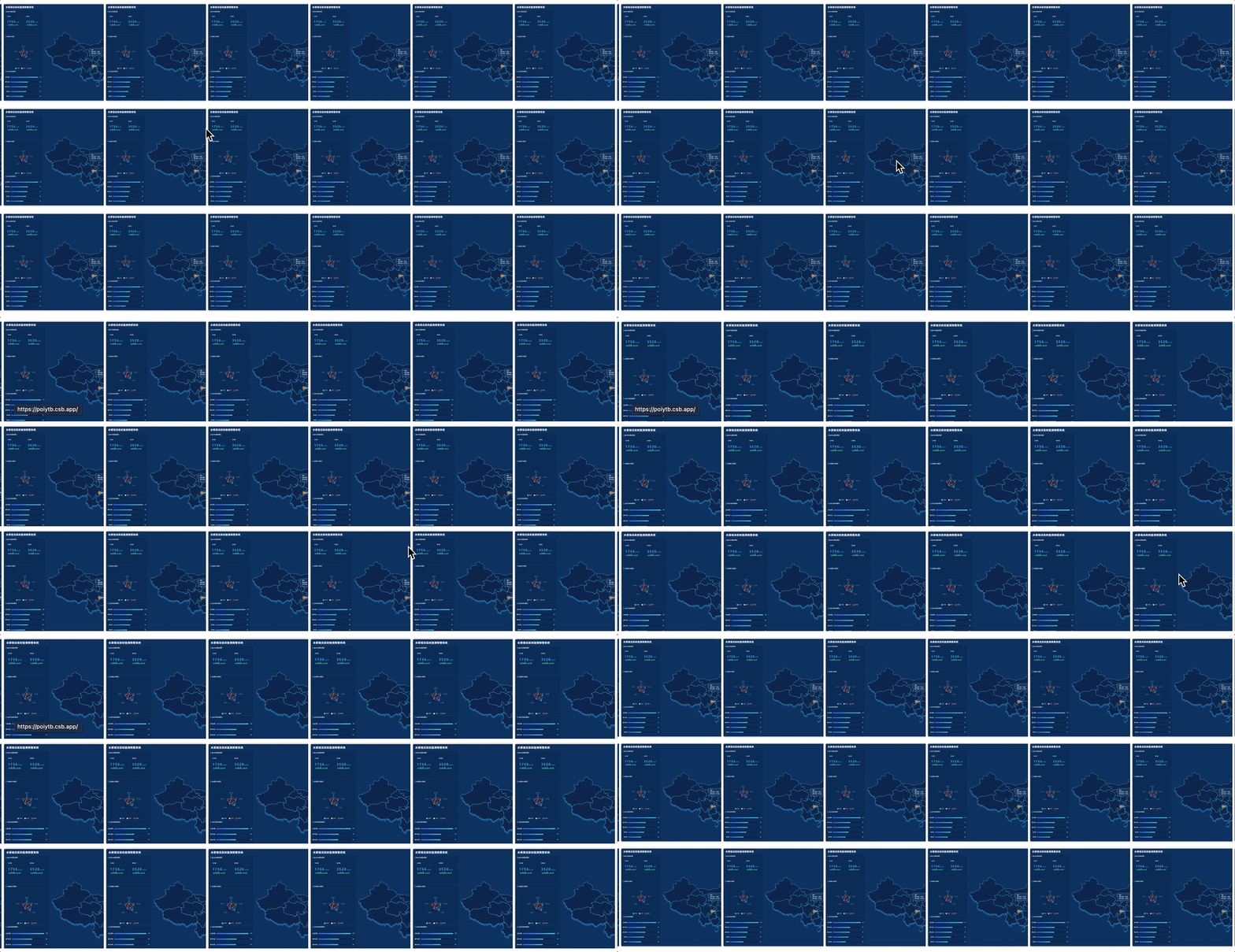
可以看到在pointermove事件执行时,大量的 DOM 回流导致页面明显卡顿。
为了优化它,这里加入 requestAnimationFrame API。它会在 layout 和 paint 之前执行且它会将所有 DOM 回流的几何运算组合到一起,这样就只会有一次重新运算和回流重绘。
让我们加入代码:
js1window.addEventListener('pointermove', (e) => {
2  // changeWidth(e.clientX);
3  requestAnimationFrame(() => {
4    changeWidth(e.clientX)
5  })
6})
现在查看结果:
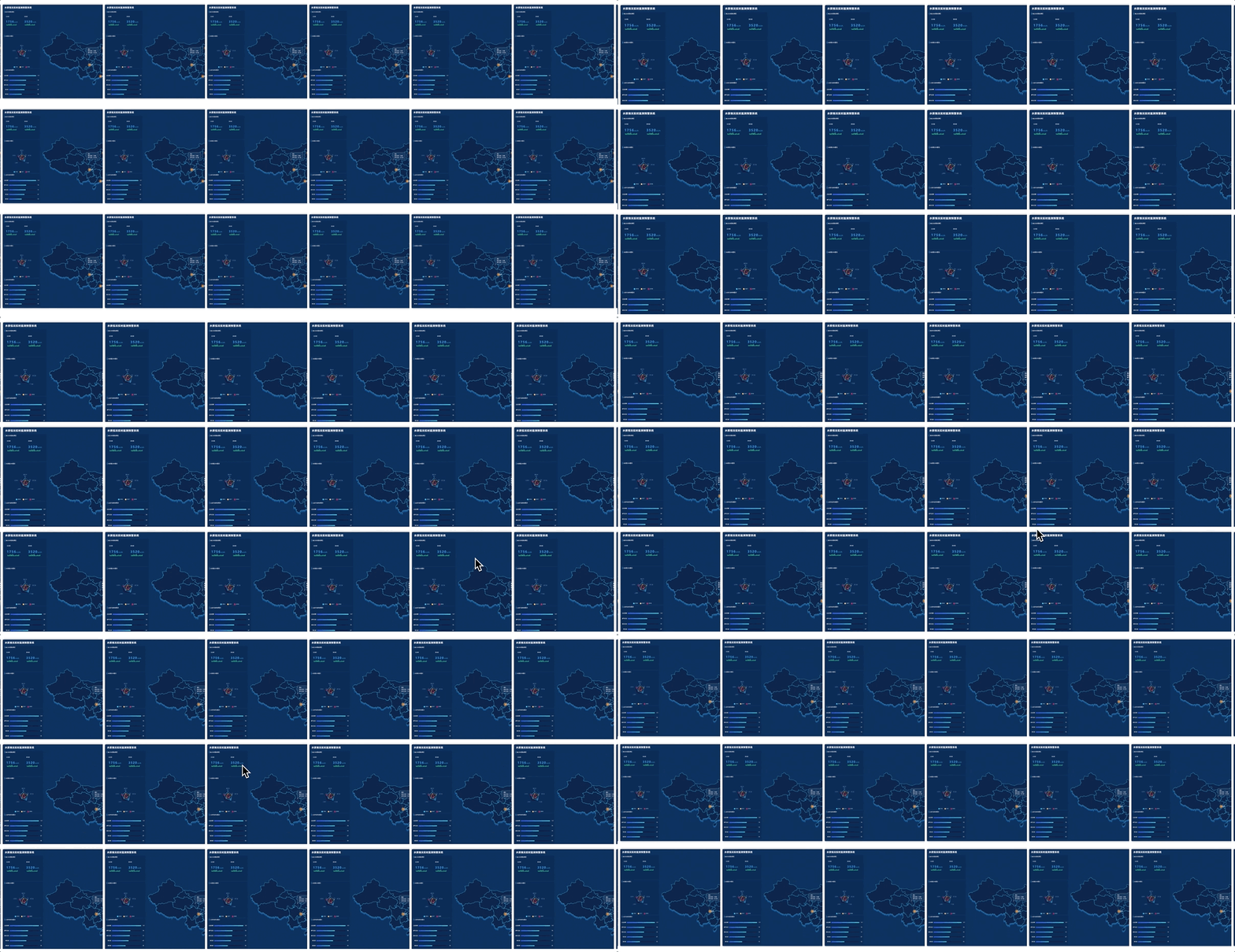
问题得到了解决。
不过我们再次审视一下这段代码:
js1window.addEventListener('pointermove', (e) => {
2  requestAnimationFrame(() => {
3    changeWidth(e.clientX)
4  })
5})
当移动 pointer 时,requestAnimationFrame 会大量执行,我们可以给 pointermove增加防抖来节省回调频率。
代码如下:
js1let timer = false
2window.addEventListener('pointermove', (e) => {
3  // changeWidth(e.clientX);
4  if (timer) return
5  timer = true
6  requestAnimationFrame(() => {
7    changeWidth(e.clientX)
8    timer = false
9  })
10})
最终的结果就是我们不但减少了事件回调的频率,还用 requestAnimationFrame 一次性让所有 DOM 回流,提高了浏览器的渲染效率。