 Oh-My-Note
动画效果
逐帧动画
使用 steps 函数和背景图片的 position 移动效果完成动画效果
效果

html1<div class="loader"></div>
css1@keyframes loader {
2  to {
3    background-position: -800px 0;
4  }
5}
6
7.loader {
8  width: 100px;
9  height: 100px;
10  text-indent: 999px;
11  overflow: hidden; /* Hide text */
12  background: url(http://dabblet.com/img/loader.png) 0 0 no-repeat;
13  animation: loader 1s infinite steps(8);
14}
原图在这 尺寸为 800*100

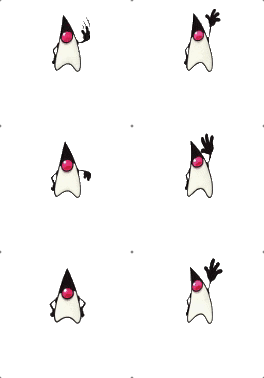
改一下尺寸还可以做其他效果
html1<div class="loader"></div>
css1@keyframes loader {
2  to {
3    background-position: -500px 0;
4  }
5}
6
7.loader {
8  width: 50px;
9  height: 70px;
10  text-indent: 999px;
11  overflow: hidden; /* Hide text */
12  background: url(https://s.cdpn.io/79/sprite-steps.png) 0 0 no-repeat;
13  animation: loader 1s infinite steps(10);
14}
图在这里 尺寸为 500*70

闪烁效果
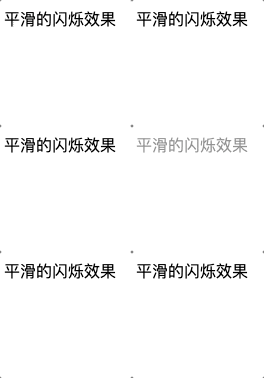
平滑闪烁效果
html1<div class="highlight">平滑的闪烁效果</div>
css1@keyframes blink-smooth {
2  50% {
3    color: transparent;
4  }
5}
6.highlight {
7  animation: 0.5s blink-smooth 4 alternate;
8}
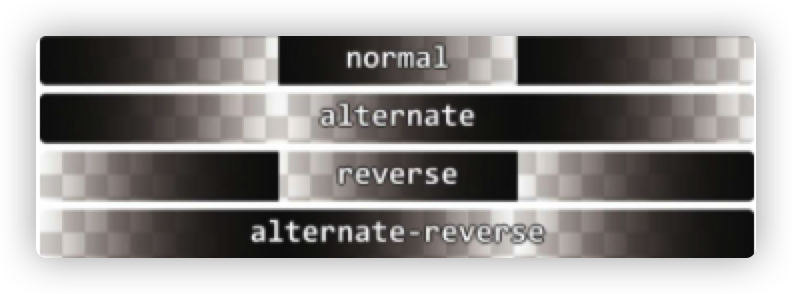
alternate 是 animation-direction 的属性,表示动画交替反向运行。区别如下
缓慢的闪烁效果
去除反向交替动画效果,增加动画 duration 就可以达到缓慢闪烁效果
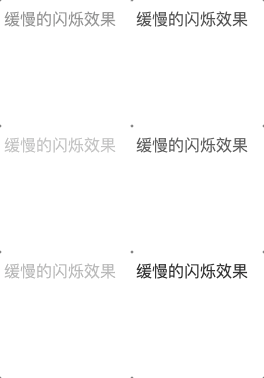
html1<div class="highlight">缓慢的闪烁效果</div>
css1@keyframes blink_slowly {
2  50% {
3    color: transparent;
4  }
5}
6.highlight {
7  animation: 1s blink_slowly 3;
8}
平切的闪烁效果
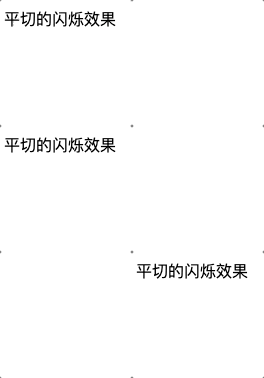
html1<div class="highlight">平切的闪烁效果</div>
css1@keyframes blink_step {
2  50% {
3    color: transparent;
4  }
5}
6.highlight {
7  animation: 1s blink_step 3 steps(1);
8}
动画平滑暂停效果
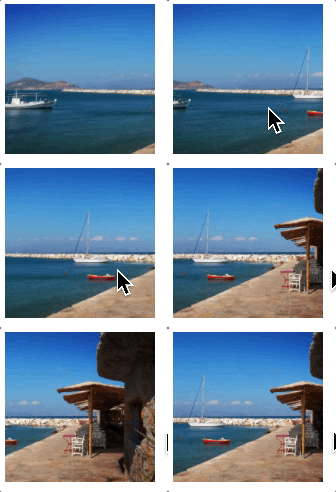
html1<div class="panoramic"></div>
css1@keyframes panoramic {
2  to {
3    background-position: 100% 0;
4  }
5}
6.panoramic {
7  width: 150px;
8  height: 150px;
9  background: url('./3904743709_74bc76d5ac_b.jpg') no-repeat;
10  background-size: cover;
11  /* 以下是重点 */
12  animation: panoramic 10s linear infinite alternate;
13  /* 暂停 */
14  animation-play-state: paused;
15}
16.panoramic:hover {
17  /* 动画继续 */
18  animation-play-state: running;
19}
原图在此
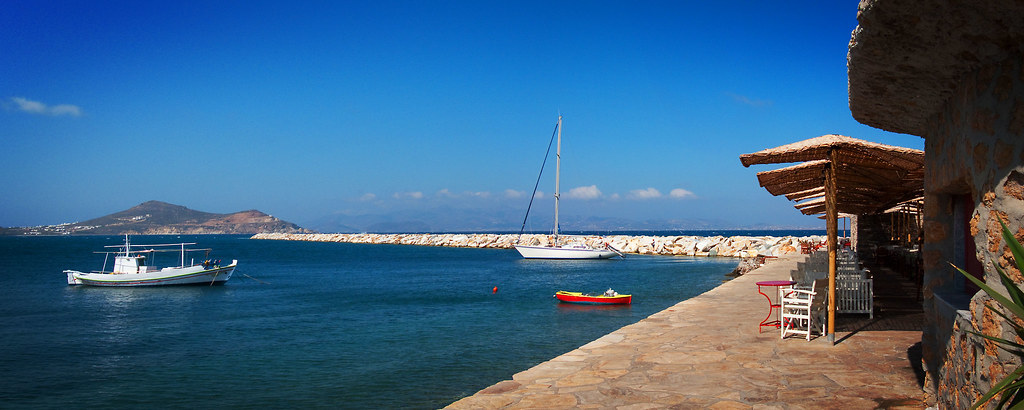
沿着环形平移的动画
效果
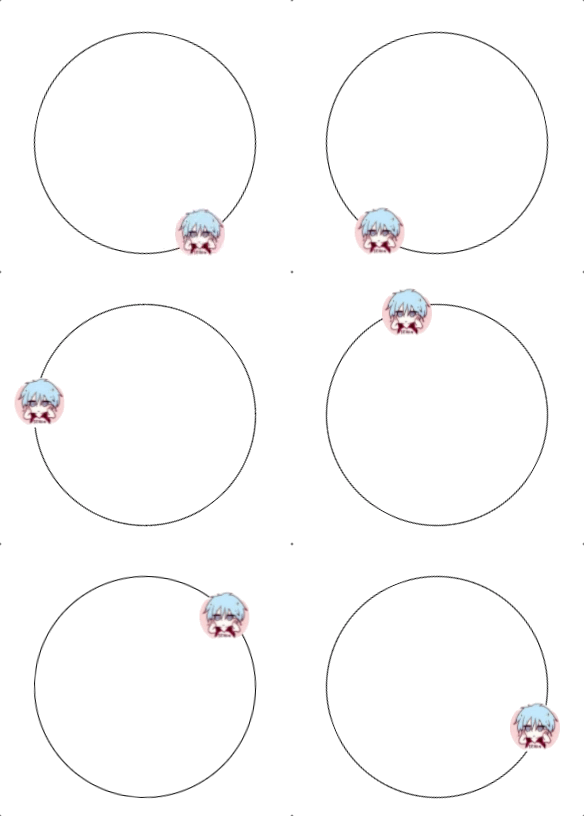
主要思路是让内圈变形 rotate 与外圈相抵消
html1<div class="path">
2  <img src="./avatar.jpeg" class="avatar" />
3</div>
css1      .path {
2        width: 200px;
3        height: 200px;
4        padding: 10px;
5        border-radius: 50%;
6        border: 1px solid black;
7        margin: 100px auto;
8        animation: spin 6s infinite linear;
9      }
10      .avatar {
11        display: block;
12        width: 50px;
13        border-radius: 50%;
14      }
15      .avatar {
16        /*反向抵消*/
17        animation: spin 6s infinite linear reverse;
18      }
19      @keyframes spin {
20        to {
21          transform: rotate(1turn)
22      }